
The app
The masjid’s timetable on your lock screen — free, offline, and it asks nothing about you. It installs as Bhatkal Prayer Times.
بھٹکل نماز کے اوقات·भटकल नमाज़ का समय
Download
For Android 7.0 and above. Not on the Play Store: it comes from this page, and the SHA-256 of every release is published beside it.
Free, and it asks for nothing about you — no location, no storage, no contacts. Internet is used only when you tap Check for updates.
What changed in this version
What it looks like
What it does
- Bhatkal’s own times. From the perpetual Auqatus Salat sheet, bundled in the app — not calculated from your location, and correct to the minute whether or not you have signal.
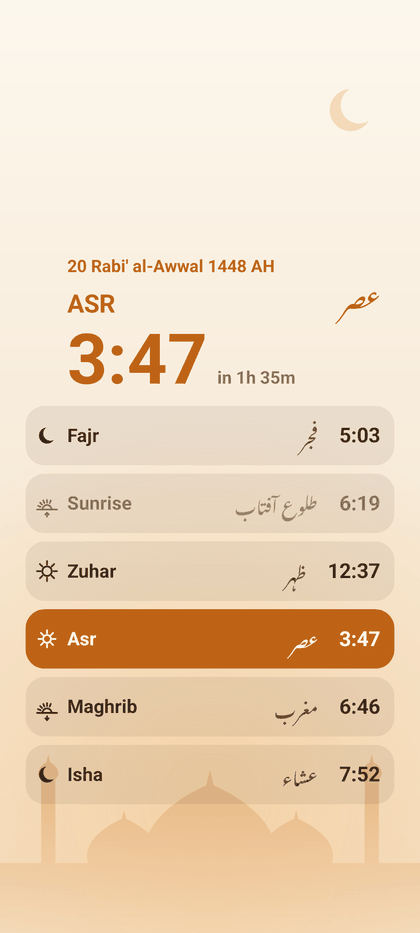
- On your lock screen. The five daily times as a live wallpaper, the next one lit, counting down to it — and for twenty minutes after the azan, the prayer you are about to pray stays on screen.
- Automatic silent. The phone goes quiet around each prayer and comes back on its own. Every prayer keeps its own delay and duration — Fajr jamaat is not Maghrib’s — and Friday holds through the khutbah. A notification says when the sound returns, and ends it early in one tap.
- The azan. Plays at the prayer you choose, from a recording you choose, on the alarm stream so it is heard even while the phone is silenced.
- A home-screen widget. Three arrangements — the day in a row, the next prayer featured, or the next prayer alone — with a live countdown, on a card, on glass, or on nothing at all.
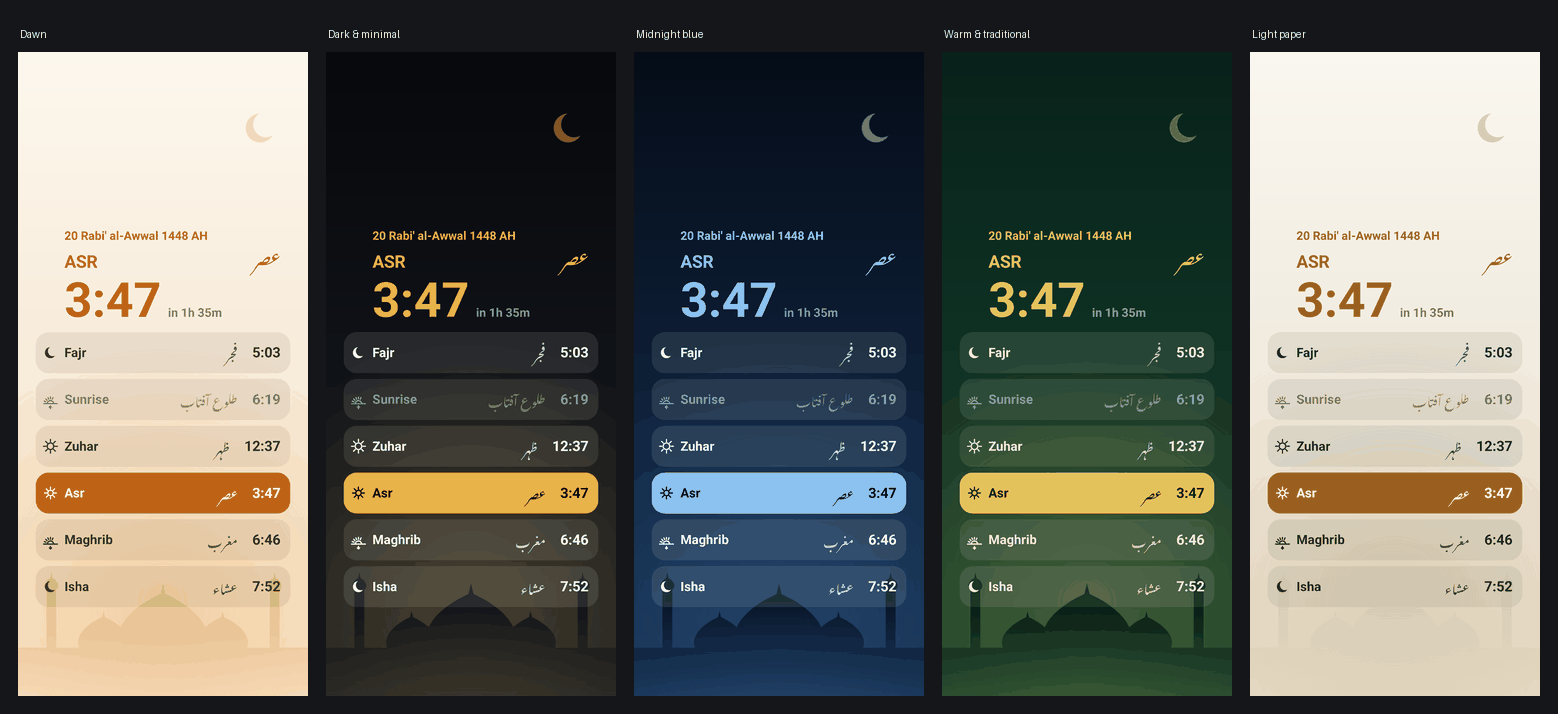
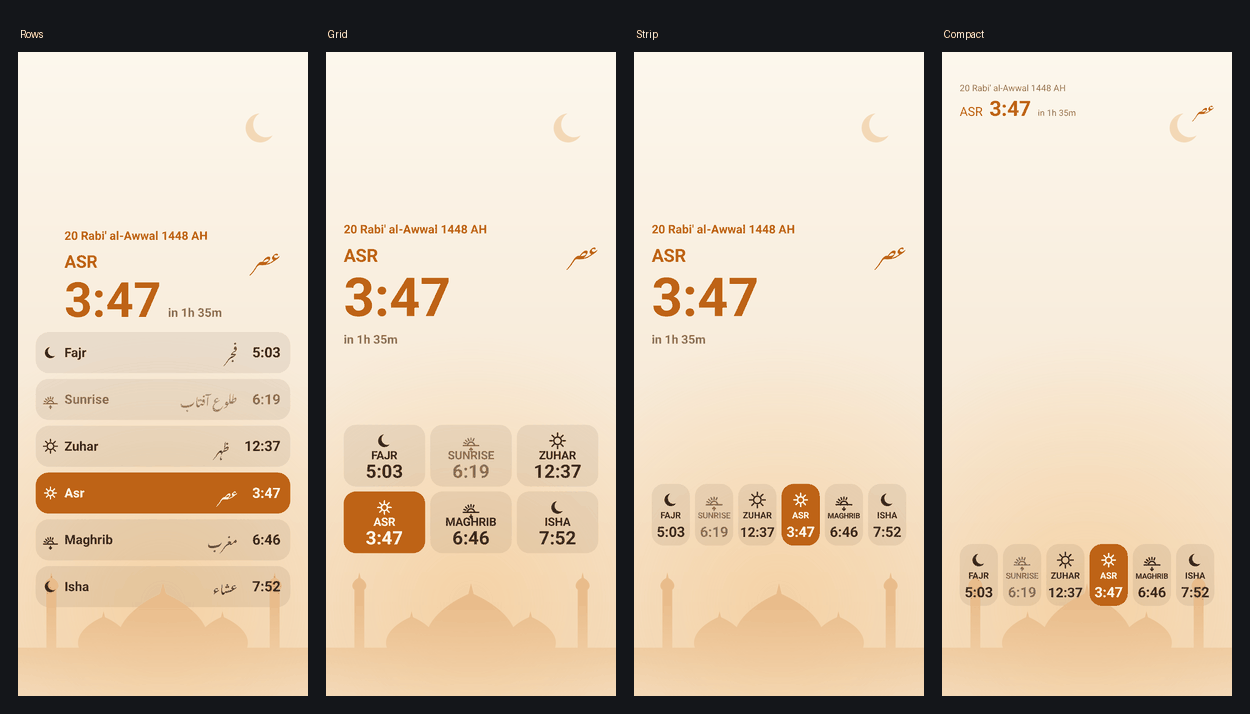
- Arranged how you like it. Six layouts, fifteen background pictures and a drawn sky, five themes, and a liquid-glass panel; drag the blocks where your lock screen leaves room.
- Hijri date. It turns at Maghrib, with a ±2 day adjustment for local moon sighting.
- Urdu. Prayer names in proper Nastaliq.
- Asks nothing about you. No location, no storage, no contacts, no account, no analytics, no ads. Internet is used only to check for a new version, and the app tells you when there is one.
Installing
- Download the APK.
- Open it. Android asks to allow installs from this source — that is normal for anything not from the Play Store.
- Google Play Protect may offer to scan the app first. Tap Scan app; it comes back “This app looks safe”, then Install.
- Open the app, tap Set as lock screen wallpaper, choose Lock screen.